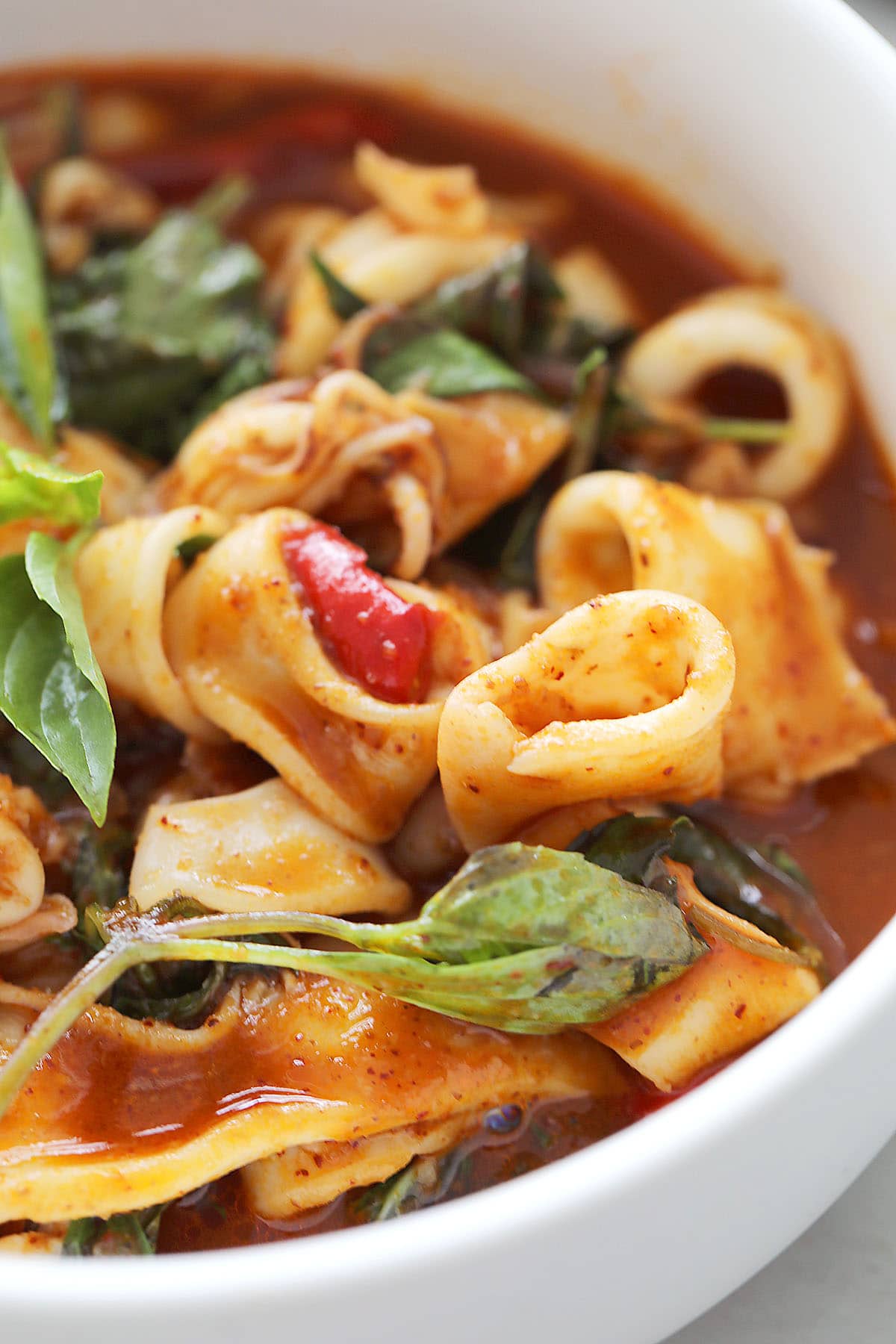
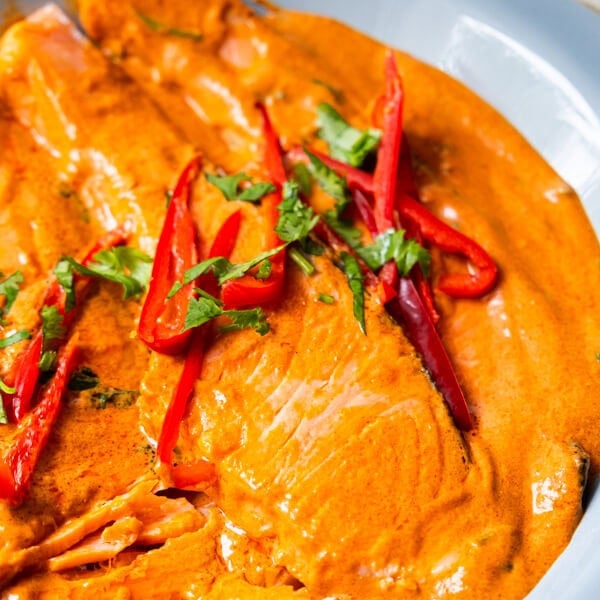
YouTube is one of the best places to learn to cook — and one of the worst places to actually cook from. The ingredients are scattered through the narration, the quantities flash by on screen, and you end up scrubbing back and forth with greasy hands. The fix is to convert the video into a structured recipe once, then cook from that.
The manual way
- Open the video and the description — many creators list ingredients there.
- Pause at the prep shots and write down each ingredient with its quantity.
- Watch once end-to-end and note the steps in order, with times and temperatures.
- Rewrite it into a clean list you can follow without the video.
It works, but it's slow, and creators often skip exact amounts. Expect 10–15 minutes per recipe.
The fast way: AI extraction
Paste the video link into a tool that reads the transcript and on-screen text and structures it for you. CookBuddy turns any recipe link or YouTube cooking video into a clean, cookable recipe — then helps you plan, shop, and cook hands-free. It's free to start. It pulls out the ingredients, steps, servings, total time, cuisine, a hero image, and estimated nutrition, so you get a cookable recipe without pausing anything.
Whichever method you use, always sanity-check quantities for baking — small errors matter more there than in a stir-fry.
Keep the source
Good recipe tools keep a link back to the original video and credit the creator. That respects their work and lets you re-watch a tricky technique. When you save a recipe in CookBuddy, the source link travels with it.
Once it's saved, you can cook it hands-free, scale the servings, or make it healthier — see the related guides below.